
Run your whole server from one tab.
Metrics, Docker, deployments, databases, a real shell, files and git. Self-hosted, open source, and only reachable on your private network.
 Go backend
 Next.js frontend
 One docker compose stack
 Tailscale by default
 Ubuntu
 Debian
The pages you will actually live in.
Every frame below is the real product, captured on a running install.
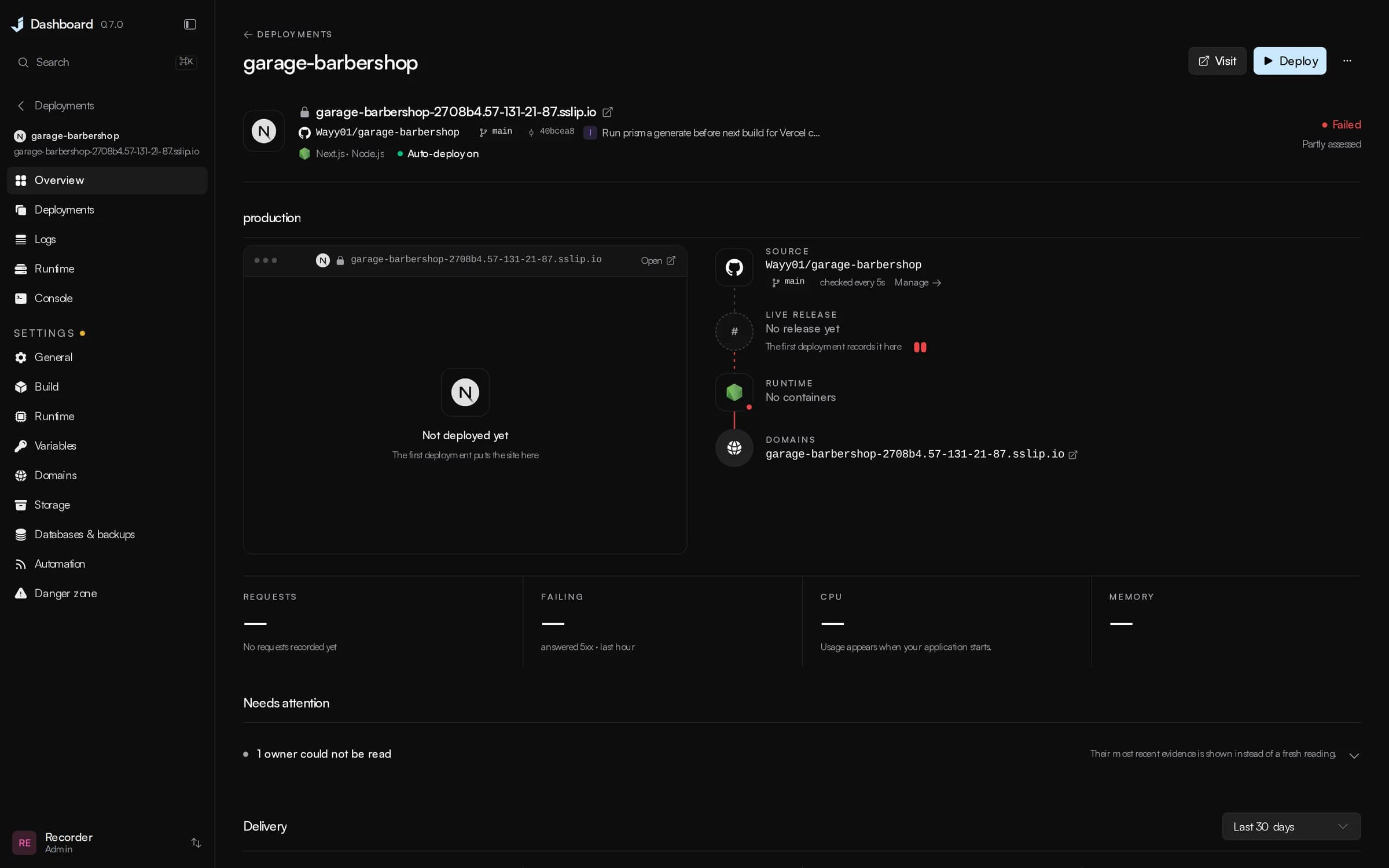
It answers the next question.
Most panels show you a number and leave the reading to you. Sixty-eight percent CPU, exit code 137, restarted twelve times.
Just Dashboard says the server is waiting rather than merely busy, that a container was killed for its memory limit and what the limit was. Where it can fix a finding, the finding comes with a button.

And the rest of the machine.
Processes, logs, the proxy, the firewall, backups, packages and the dashboard's own updates, each drawn as what it is.
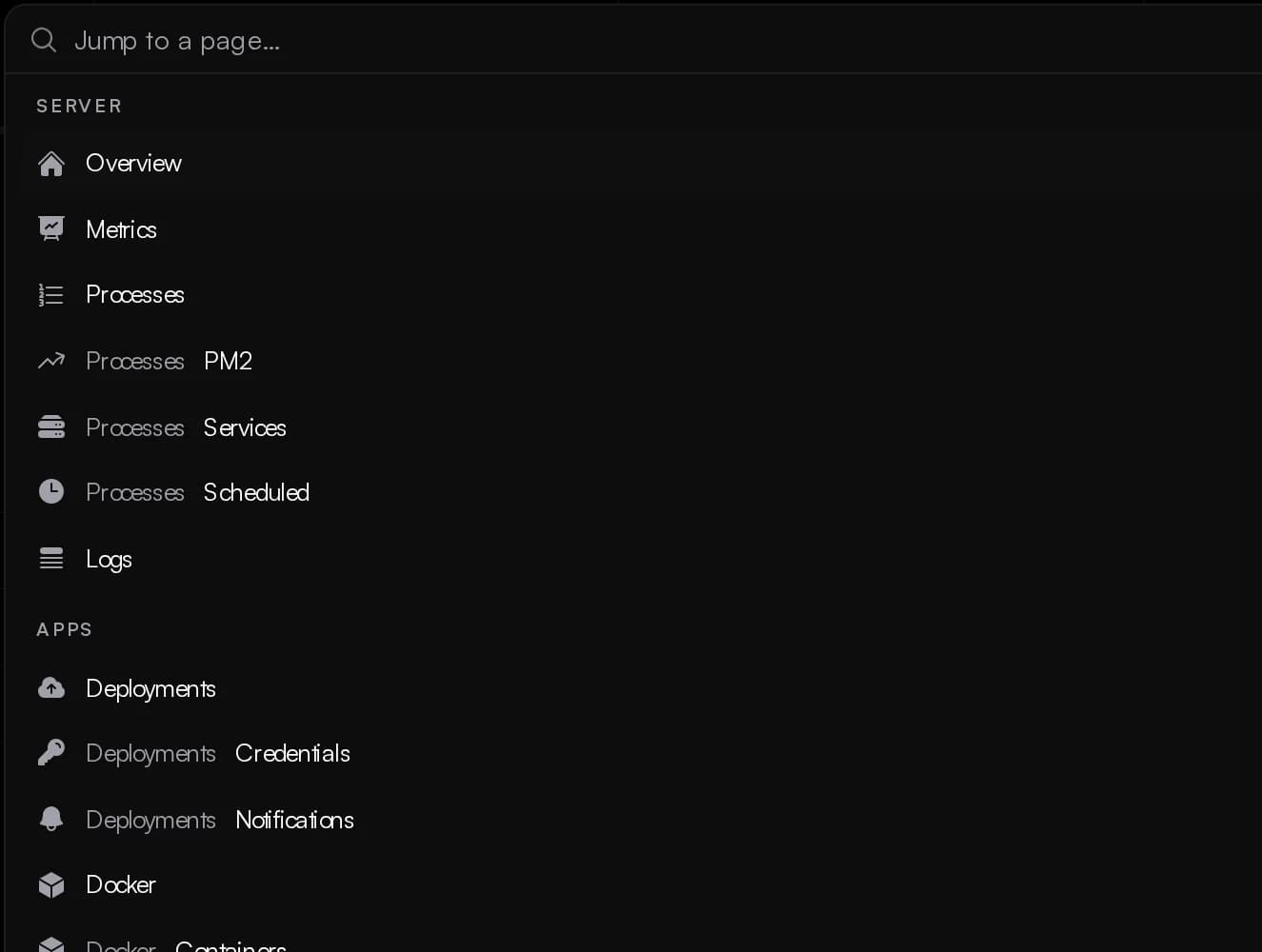
Everything is one keystroke away.
Cmd K from anywhere. Every nested page is listed, and every page comes back the way you left it.
Seven days of history the backend records itself.
CPU split by user, system, iowait and steal. Memory judged on what is available. Pressure, disks, inodes, sockets and interfaces.

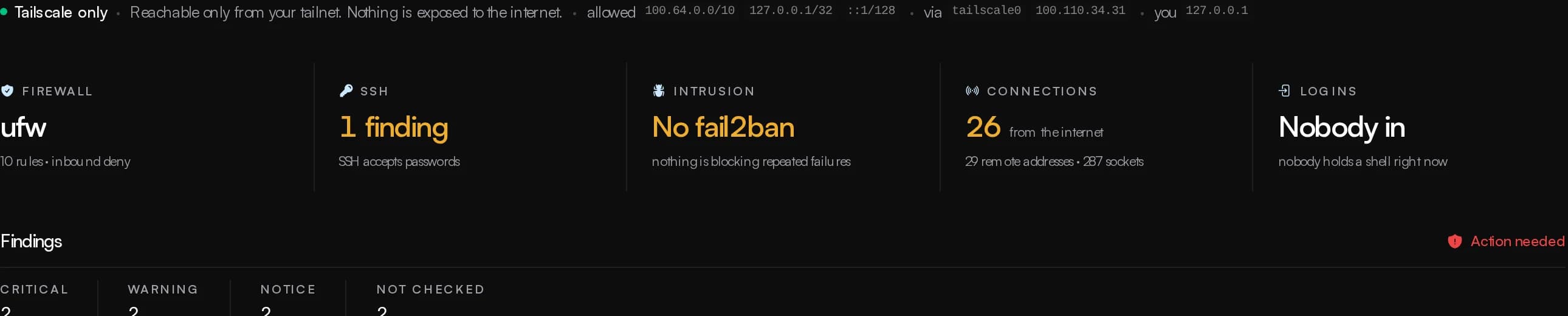
A verdict on the host.
Firewall, sshd, fail2ban, open ports, connections, logins and who is attacking, on one page.
Backups that know what is not backed up.
Scheduled archives to disk, S3 or B2, native database dumps, and a list of every volume and database nothing covers.

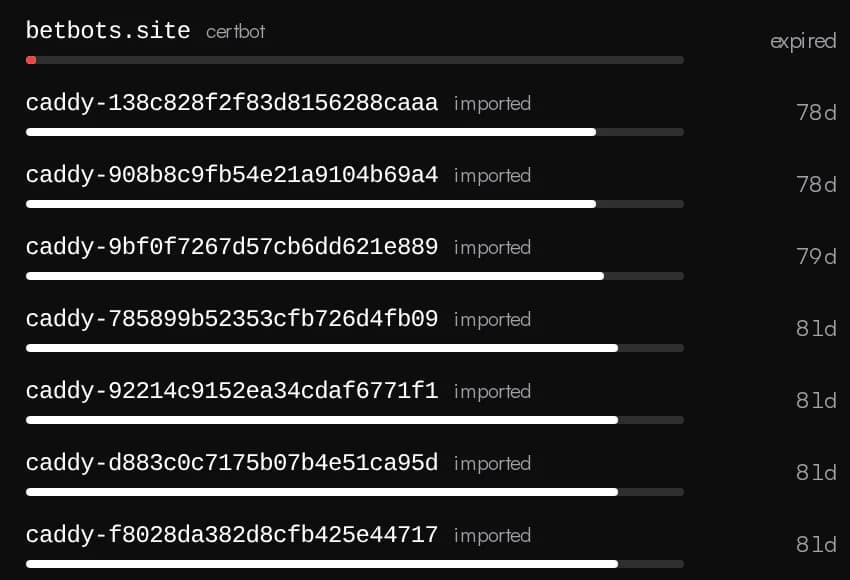
Proxy and TLS as ordinary nginx.
Sites, streams, certificates through certbot including DNS wildcards, and a live TLS report.
Every run reported where you already are.
Discord, Slack, Telegram, e-mail, a webhook, and the commit's status on GitHub.
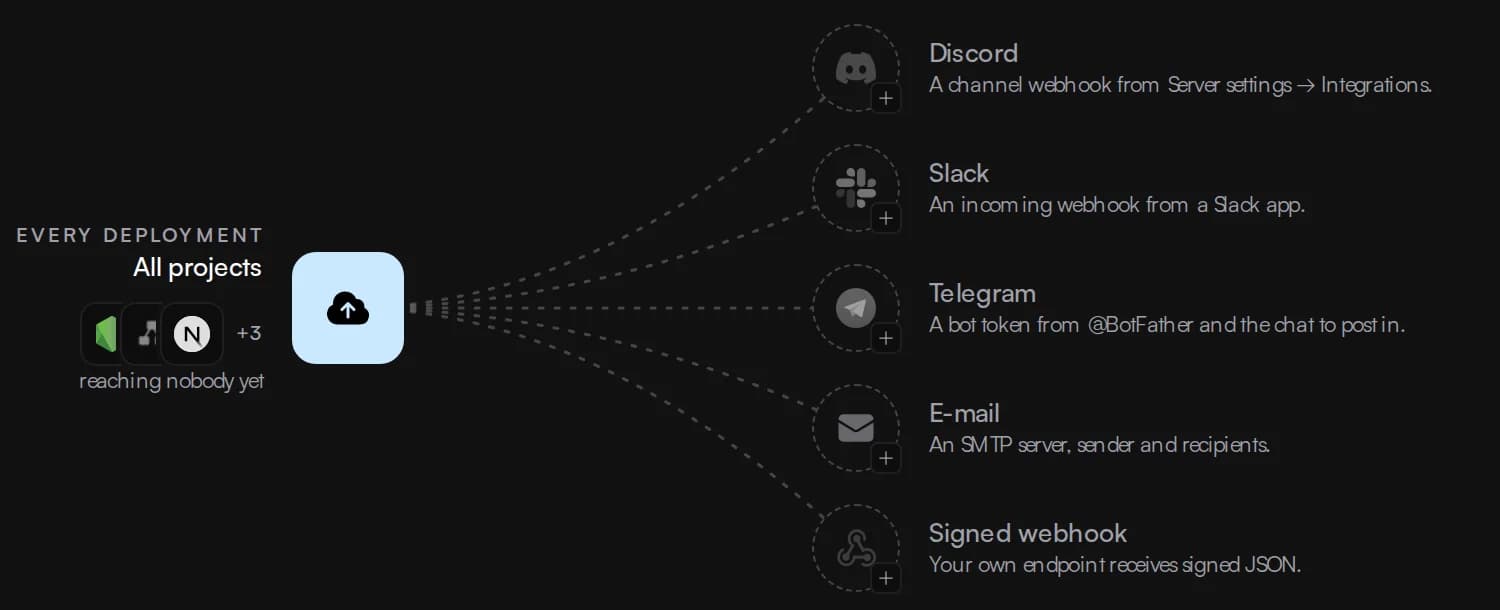
Updates itself in one click.
The dashboard pulls, rebuilds and restarts from a container that outlives the restart. Host packages too.

Root-equivalent, and built like it.
Anyone who reaches it with a valid session has root on the machine. So it sits behind your VPN or an SSH tunnel, and that is enforced rather than recommended.
JD_ALLOWED_CIDRS=100.64.0.0/10,127.0.0.1/32,::1/128Your tailnet100.64.0.0/10Refused at the allowlist. The login form is never served to an address outside it.
Allowlist before authentication
The API refuses every address outside the allowlist, before the login form is served.
Tailscale by default
Invisible to the internet, answering on your tailnet with a real certificate.
Two-factor, enforced
An enrolled account is always asked for its code. A policy decides who must enrol.
Typed confirmations
Destructive actions pause. The unrecoverable ones want a typed phrase, checked server-side.
An audit log for every change
Every state-changing request is recorded with who, what and when. Sign-ins too.
Three roles, checked on the route
Read-only, limited and admin, enforced on the API and never in the interface alone.
Fifty-seven reviewed templates, each one saying how you get in.
One click each. Every card says whether you create the first account yourself, sign in with a password this server generated, or find no sign-in page at all.
Read the catalogue on GitHub



































Two commands, then a login on your tailnet.
The installer guides you through private access, the first account, and optional settings.
git clone https://github.com/JustDashboard/Just-Dashboard.gitcd Just-Dashboard && sudo ./install.sh
Needs a Linux server with sudo. Follow the 0.8.4 install guide to set up patch update checks. To upgrade later: git pull && docker compose up -d --build
Tailscale is the default.
The machine stays invisible to the internet and the dashboard answers on your tailnet with a real certificate. No port is opened.
An SSH tunnel is the fallback.
Served on loopback. The installer generates the master key and a first password, builds the stack, and prints the command to get in.
Upgrading keeps everything.
Your configuration, database, accounts and sessions survive a pull and rebuild, the in-app update, or running the installer again.
Free, and every feature stays free.
Just Dashboard is AGPL-3.0 and built by one person. The code, the changelog and the issue tracker are all in one place.
Companies and individuals who would like to sponsor the project can write to ionmoisei755@gmail.com and will be listed with a logo and a link.